Best Tools for Website Accessibility Testing in 2025

Quick Summary:
Accessibility issues like missing ARIA tags, improper semantic structure, and limited keyboard navigation support often go unnoticed during standard QA cycles. In 2025, addressing these gaps is essential, as accessibility testing has become a critical part of quality assurance, compliance, and inclusive user experience. This blog explores the most effective manual and automated accessibility testing tools, outlines key factors to consider when choosing the right solution, and explains how ImpactQA delivers tailored accessibility testing services to help organizations build digital products that are both compliant and truly inclusive.
Table of Contents:
- Introduction
- What is Accessibility Testing?
- Manual vs Automated Accessibility Testing
- Top Website Accessibility Testing Tools in 2025
- Choosing the Right Tool: Key Considerations
- Technical Considerations Beyond Tools
- Why Businesses Choose ImpactQA for Accessibility Testing
- Final Thoughts
- Call to Action
Can your website be easily navigated by someone using only a keyboard? Can a user relying on a screen reader understand every element of your site without confusion? If the answer to these questions is no, then you’re not only missing out on millions of potential users but may also be exposing your business to legal and reputational risks.
We know how, in the current hyper-connected environment, website accessibility is no longer confined to compliance checkboxes. It’s more of a business imperative. Accessible web design can now boost SEO, enhance brand credibility, and improve customer retention across demographics. Recent regulations such as WCAG 2.2, Section 508 (US), and the EN 301 549 (Europe) have brought accessibility to the forefront for businesses in every sector.
As 2025 progresses, QA and development teams are embedding accessibility testing within continuous integration and agile frameworks. The use of intelligent, AI-powered, and user-friendly tools is also growing rapidly.
Let ImpactQA's experts guide your testing roadmap from audit to implementation.
What is Accessibility Testing?
Accessibility testing is the structured process of validating whether a digital asset, like a website, web app, or mobile interface, is usable by individuals with varying disabilities. This includes people with auditory, visual, cognitive, motor, or neurological impairments. The goal is not just legal compliance but equitable digital access.
This form of testing involves a multi-layered approach:
- Keyboard Navigation: Ensures that users who cannot operate a mouse can still interact fully using the keyboard.
- Screen Reader Compatibility: Verifies whether screen readers like JAWS or NVDA can interpret the structure, labels, and content logically.
- Color Contrast and Font Legibility: Tests whether content is readable for users with visual impairments or color blindness.
- Semantic HTML and ARIA Implementation: Evaluates proper use of markup and assistive attributes to ensure context and meaning are preserved.
It aligns with standards such as WCAG, Section 508, and EN 301 549, which provide structured guidance on making web content more accessible. In 2025, with more digital content being dynamically generated and mobile-first designs becoming the default, the scope of accessibility testing has expanded dramatically.
Manual vs Automated Accessibility Testing
Accessibility testing involves two primary methodologies, which are manual testing and automated testing, each serving a distinct purpose.
Manual Testing:
Manual accessibility testing relies on human reviewers simulating user behavior using assistive technologies. They assess how real people with disabilities would interact with your site. For example, they may test how screen readers interpret page content, or whether keyboard navigation works without any mouse intervention.
- Benefits of manual testing include:
- Catching logical flow issues and inconsistencies in alt text.
- Identifying usability issues not flagged by automated scripts.
- Validating content clarity and focus order.
Automated Testing:
Automated tools are excellent for early-stage validation and regression testing. These tools can quickly scan codebases and flag structural issues like:
- Missing or duplicate ARIA labels.
- Insufficient color contrast.
- Incorrect heading hierarchies.
However, automation has limitations. It cannot accurately assess content relevance, user experience, or visual design alignment. For example, a script may detect an alt attribute but cannot judge whether the description is meaningful.
Why Use Both?
A hybrid approach, i.e., automated testing for speed and coverage, and manual testing for context and user empathy, is considered best practice in 2025. Many DevOps teams integrate accessibility checks directly into CI/CD pipelines to address issues early.
Top Website Accessibility Testing Tools in 2025
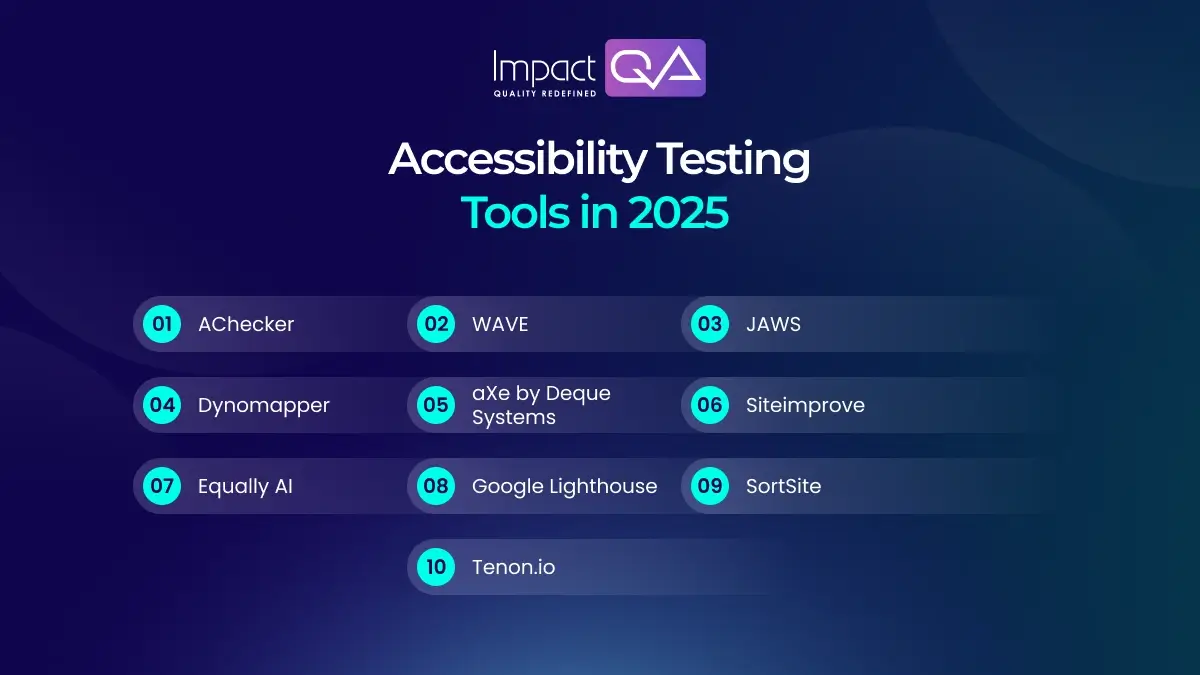
Here are the most widely used accessibility testing tools in 2025, including both long-standing and newly updated platforms:
1. AChecker
- Tests single HTML pages against standards like WCAG 2.2 and Section 508.
- Simple interface: paste code, enter URL, or upload a file.
- Multiple compliance modes (known, likely, potential problems).
- Effective for static content validation.
2. WAVE (Web Accessibility Evaluation Tool)
- Developed by WebAIM, a browser extension for Chrome and Firefox.
- Highlights issues like missing alt text and label mismatches in-page.
- Updated in 2025 to better support mobile-responsive audits and WCAG 2.2.
- Useful for quick diagnosis during development.
3. JAWS (Job Access with Speech)
- Screen reader for Windows; widely used for real-world testing.
- Compatible with Microsoft Office and major browsers.
- Supports braille output and multiple languages.
- Valuable for testing voice commands and screen reader navigation.
4. Dynomapper
- Combines sitemap generation with content inventory and accessibility audits.
- Team-friendly features for collaborative audits.
- Supports testing for WCAG, Section 508, and even SEO in one pass.
5. aXe by Deque Systems
- Open-source accessibility engine with browser extensions and CLI tools.
- Integrates with Selenium, Jest, Cypress, and CI/CD pipelines.
- Suitable for developers aiming to catch issues early in the lifecycle.
6. Siteimprove
- Enterprise-grade testing and digital governance tool.
- Automates compliance tracking, OCR validation, and report generation.
- Includes CMS integrations and real-time dashboards for QA teams.
7. Equally AI
- AI-powered tool focused on compliance and personalization.
- Offers simulation of keyboard-only navigation and screen reader experience.
- Ideal for mobile-first accessibility testing in 2025.
8. Google Lighthouse
- Built into Chrome DevTools.
- Assesses color contrast, tab focus, ARIA usage, and alt text presence.
- Newest version includes scoring enhancements and code suggestions.
- Free, developer-friendly, and ideal for early-stage testing.
9. SortSite
- One-click solution that covers accessibility, SEO, usability, and HTML5 errors.
- Compatible with Windows, Mac, and Linux.
- Good for batch testing and full-site scans.
10. Tenon.io
- API-driven and optimized for DevOps workflows.
- Provides JSON-based results ideal for integrations.
- Updated to meet WCAG 2.2 and ADA standards.
- Popular among accessibility-focused consultancies and product teams.
Choosing the Right Tool: Key Considerations
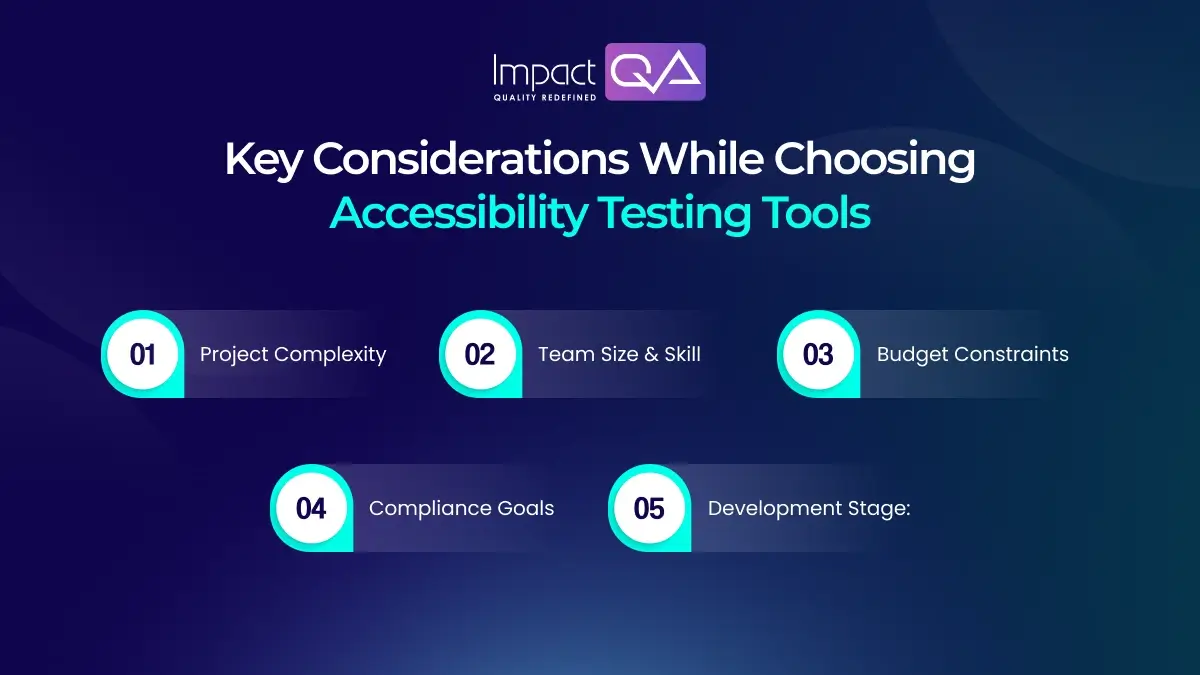
The ideal accessibility testing tool depends on your project needs, development model, and internal expertise. Here’s what to evaluate:
- Project Complexity: Dynamic, JavaScript-heavy apps benefit from tools like aXe or Tenon, which support asynchronous content validation.
- Team Size & Skill: If you’re a small team, choose plug-and-play tools like WAVE or Lighthouse. Large enterprises should consider Siteimprove or Dynomapper for scalability.
- Budget Constraints: Free tools like Lighthouse work well for small projects. For broader coverage, premium tools with robust reporting may justify ROI.
- Compliance Goals: Tools must align with the standards you’re aiming to meet – WCAG 2.2, Section 508, EN 301 549, or ADA.
- Development Stage: Early-stage apps benefit from API-first tools; post-launch platforms need tools with audit trail and documentation support.
Choosing a tool is about matching its capabilities with your tech stack, compliance roadmap, and team proficiency.
Technical Considerations Beyond Tools
Accessibility is more than just passing a tool scan. Here are crucial technical elements that need manual oversight:
- Semantic HTML: Clear use of <header>, <nav>, <main>, and <footer> helps assistive technologies.
- Keyboard Accessibility: All functionalities, including menus, modals, and sliders, should be operable using only the keyboard.
- Alt Text Quality: Tools may confirm presence, but only humans can assess context and relevance.
- Dynamic Interactions: Use of ARIA live regions, roles, and proper focus handling is essential for SPAs.
- Language and Tone: Cognitive accessibility depends on clear language and content readability.
- Shift-Left Testing: Integrating accessibility checks in early development stages prevents rework and reduces costs.
In 2025, organizations are increasingly embedding these considerations into their design systems, code reviews, and release protocols.
Why Businesses Choose ImpactQA for Accessibility Testing
ImpactQA offers end-to-end accessibility testing services tailored for enterprises seeking WCAG 2.2, ADA, or Section 508 compliance.
What sets us apart?
- Certified Engineers: Experts in screen readers (JAWS, NVDA), mobile readers (TalkBack, VoiceOver), and browser compatibility.
- Tool-Agnostic Approach: We integrate aXe, Tenon, Siteimprove, and others based on your stack.
- Manual + Automated Testing: Combined testing ensures accuracy and broader defect coverage.
- VPAT & Audit Documentation: Full support for compliance reporting and legal submissions.
- Continuous Testing Integration: Accessibility is built into CI/CD pipelines for agile teams.
- Custom Strategy: We adapt our testing framework to your development process and user personas.
Whether you’re a healthcare provider, financial platform, or e-commerce enterprise, ImpactQA ensures your digital assets are ready for every user, regardless of ability.
Book a free consultation with ImpactQA and get started today.
Final Thoughts
Digital inclusivity is now a responsibility and a growth lever. Accessibility testing in 2025 is about delivering equal access to all users, which helps improve customer satisfaction and meets compliance benchmarks.
To achieve this, tools alone are not enough. You need human insight, contextual validation, and integration into every phase of product development. This combined approach ensures that accessibility is not only implemented but truly effective. As digital accessibility regulations continue to expand, early and consistent testing will keep your business compliant, agile, and inclusive.
ImpactQA’s accessibility testing services combine deep technical expertise, assistive tech proficiency, and standards-driven audits. We help organizations make accessibility a core product feature and not an afterthought.
Share this post


Related Posts
Our Case Studies